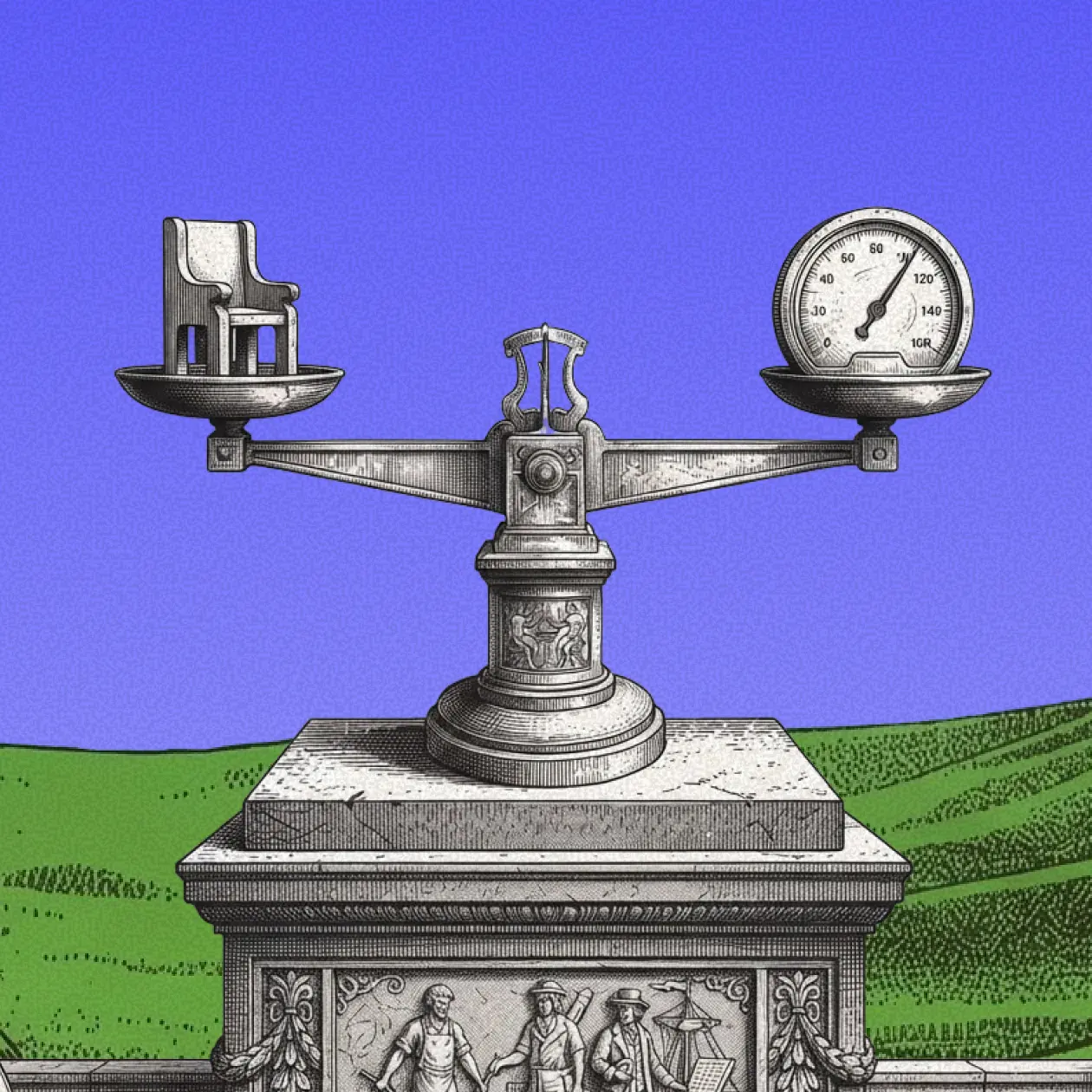
Custom Software...
Custom Software Solutions for Businesses: Benefits & Examples
Software now sits at the center of how companies sell, serve, and grow. Yet many teams still try to force their unique workflows into generic tools. The result is slow work, duplicate data, and manual fixes that never end. Custom software solves this by fitting the tool to the business, not the other way around. In this guide, you will learn where custom software outperforms off-the-shelf alternatives, how it pays back over time, and what the build process looks like from the first workshop to the final release. We will also look at examples across industries so you can see how a tailored system creates real outcomes, not just a new interface.

Ayush Kumar
Updated
Software dev
MVP
Off-the-Shelf vs. Custom Software
What is Off-the-Shelf Software
Off-the-shelf software is a ready product that anyone can buy and use. It comes with a fixed feature set, a shared roadmap, and a standard price plan. You can start fast and keep setup light. The trade-off is fit. These tools serve broad use cases, so your team adapts its process to match the product, not the other way around.
Pros
Lower upfront cost
Quick start and known setup path
Support, updates, and a community of users
Cons
Generic features that miss your edge cases
Recurring licenses tied to seats or usage
Workarounds and plug-ins to cover gaps
What is Custom Software
Custom software is designed and built for one organization. It focuses on your workflows, your rules, and your data. It aligns to your strategy, and it can change with your business over time.
Pros
Exact fit to your process and policies
Built for scale and change across years
Full ownership and control over code and data
Cons
Higher initial investment
Longer path to launch than a ready product
Quick Comparison
Area | Off-the-Shelf | Custom Software |
|---|---|---|
Fit to workflow | Generic with add-ons | Exact match to process |
Cost profile | Lower upfront, ongoing licenses | Higher upfront, lower long-term TCO |
Speed to first use | Very fast | Fast after discovery and design |
Control of roadmap | Vendor decides | You decide |
Integration depth | Limited to public APIs | Any system, any depth |
Security posture | Shared features for all customers | Policies tailored to your risks |
Ownership | No code ownership | Full code and data ownership |
7 Benefits of Custom Software
1) Built Around Your Process
Every business has steps that make it different. Custom software captures those steps in code. That means fewer spreadsheets, fewer copy-paste tasks, and less time spent fixing issues between tools. Your team works in one place and follows a workflow that reflects how the business actually runs. The payoff shows up as shorter cycle times, cleaner data, and higher customer satisfaction.
2) Scale Without Stress
Growth should not break your systems. A tailored platform can scale users, data, and throughput without hitting plan limits. You can add new product lines, new territories, or new channels without switching vendors. Architecture choices like services, queues, and caching keep response times steady as demand rises. You avoid the ceiling that many shared tools hit when usage spikes.
3) Integrations That Actually Fit
Real work crosses tools. Sales needs billing. Operations needs inventory. Support needs order history. Custom software integrates with your CRM, ERP, finance stack, data warehouse, and vendor APIs at the depth you need. It can publish events, sync data on a schedule, or act as the system of record. This removes data silos and reduces errors caused by manual updates.
4) Security by Design
Security is not a feature at the end. It is a design rule from the start. With a custom build, you set roles, data boundaries, and audit trails that match your risk model. You decide retention rules, masking, and encryption. You also control what third-party services touch your data and why. A tailored security plan lowers exposure and makes audits easier because the controls match how you operate.
5) Lower Long-Term Cost and Real Ownership
Licenses look cheap at first, then grow with every seat, region, and add-on. Custom software flips the curve. You invest upfront, then enjoy lower operating cost as you scale. You also own the asset. That means no forced upgrades, no vendor sunsets, and no license surprises. When you need a change, you build it once and keep it.
6) A Durable Advantage
If competitors can buy the same tool, it is hard to stand out. Custom software lets you encode your advantage. Maybe that is a unique pricing engine, a faster onboarding flow, or a planning model that cuts waste. Once in code, these moves become repeatable and hard to copy. Your product and your team both get faster.
7) Happier, More Productive Teams
People do better work with tools that fit. Clear screens, fewer clicks, and tasks that match real roles lift morale. New hires learn faster. Leaders see accurate dashboards. Support closes tickets on the first touch. Productivity rises because the system gets out of the way.
Examples Across Industries
FinTech
A hedge fund builds a proprietary trading platform that connects research, risk, and execution. The system ingests data, runs custom models, and routes orders with strict controls and full audit trails. Off-the-shelf tools cover parts of this, but only a custom platform can align to internal models and compliance rules without friction.
Healthcare
A hospital develops a patient system that ties scheduling, telemedicine, and records. It enforces consent, encrypts sensitive fields, and logs every access. Staff see only the data they need for their role. The platform can adapt quickly to new care pathways or reporting rules.
Logistics and Supply Chain
A shipping company rolls out a fleet system that tracks trucks in real time, predicts arrival times, and optimizes routes by load, weather, and service windows. The app unifies data from telematics, drivers, and customers so dispatch can make better calls and reduce empty miles.
Retail and E-commerce
An online retailer creates a recommendation engine tuned to its catalog shape and margin goals. It also builds a promotion planner that models demand before a campaign. This pairing lifts conversion and protects inventory health better than generic tools.
The Custom Software Lifecycle
Step 1: Discovery and Planning
The team learns how your business works today. They map goals, users, workflows, and constraints. They define scope and success metrics. They also gather system diagrams, data models, and rules from current tools. The outcome is a clear problem statement, a prioritized roadmap, and a delivery plan with milestones.
What you provide
Strategic goals and KPIs
Key user roles and pain points
Systems to integrate and data sources
Compliance needs and security policies
What you get
A scoped backlog with user stories
A release plan and budget
Architecture options and a risk plan
Step 2: UX Design and Prototyping
Designers turn ideas into screens. They start with low-fidelity flows, then move to interactive prototypes. Stakeholders click through key tasks and give feedback. The team refines layout, copy, and states for errors and empty data. Early testing finds friction before a single line of code ships.
Deliverables
User flows and wireframes
Interactive prototype of core journeys
Design tokens and components for reuse
Step 3: Development
Engineers set up the foundation and start building. They follow modern practices such as version control, code review, and continuous integration. Work moves in short sprints with a demo at the end of each one. The product grows feature by feature, backed by unit and integration tests.
Common stack choices
Web app with a component library and design tokens
Backend services with clear contracts and APIs
Database tuned for your access patterns
Queues and caches for heavy or time-sensitive tasks
Step 4: Quality Assurance and Testing
Quality starts on day one and deepens as features land. Test coverage grows across levels. Automated checks run on every change. Exploratory testing finds edge cases that scripts miss. Performance, accessibility, and security get explicit attention before launch.
Test suite focus
Unit, integration, and end-to-end tests
Load and soak tests for peak times
Accessibility audits against clear standards
Security reviews and threat modeling
Step 5: Deployment and Integration
The team sets up environments for staging and production. They configure monitoring, logs, and alerts. They connect the new system to your existing tools and migrate data if needed. A controlled rollout reduces risk. You get a fallback plan, so you can revert if a metric moves the wrong way.
Operational basics
Infrastructure as code
Blue-green or rolling deploys
Observability with dashboards and alerts
Runbooks for common incidents
Step 6: Ongoing Support and Growth
Software is never done. After launch, the focus shifts to stability, small improvements, and new features. The backlog updates with real user feedback and analytics. The team tracks costs, latency, and errors, then invests where impact is highest. Regular reviews keep the roadmap aligned with business goals.
Support rhythms
Monthly health reports
Quarterly roadmap reviews
Regular upgrades of dependencies
Security patches and policy updates
How Custom Software Pays Back
Lower Total Cost Over Time
License fees add up as your team grows. Add-on modules push the price higher. Custom software front-loads spend but then tracks closer to your actual usage. You pay for hosting, support, and new features that you choose, not for bundles you do not need.
Faster Decisions With Better Data
Because the system matches your process, the data model matches your questions. Dashboards show leading indicators, not just trailing numbers. Teams can drill into details without exporting to spreadsheets. That clarity speeds planning, pricing, and supply decisions.
Fewer Change Penalties
When a vendor owns the roadmap, you wait. When you own it, you ship. Custom software lets you move with the market. New regulation arrives. A partner asks for a new API. Your team can respond in weeks, not quarters.
How to Decide if Custom Software is Right for You
Ask five simple questions.
Do we have workflows that generic tools cannot capture
Will we scale users or data in ways that break seat or usage models
Do we need deeper security and compliance controls than shared tools allow
Will we gain real advantage by automating our specific way of working
Can we invest now for a lower cost and more control later
If the answer to most of these is yes, a tailored build is worth a serious look. If you need a short-term solution for a standard problem, a ready product may still be the right call. Many teams choose a mix. They keep commodity parts on shared tools and invest in custom systems where it matters most.
Common Mistakes to Avoid
Jumping in without discovery: Start with goals and measures before screens.
Copying old tools: Improve the process, not just the interface.
Underestimating integrations: Plan the time to clean, map, and sync data.
Skipping tests: Quality debt costs more after launch.
Ignoring change management: Train users, document flows, and gather feedback
Final Thoughts
Custom software is not only about code. It is about clarity. You document how your business works, then capture it in a system that anyone on your team can use. The value shows up in speed, accuracy, lower cost, and a strong edge against rivals. If your current stack limits growth, a tailored platform gives you room to move.
Build Your Custom Software With FeatherFlow
Need a partner to design, build, and scale a tailored platform that fits your business from day one FeatherFlow delivers custom software solutions that align to your goals, integrate with your stack, and meet your security standards. We run discovery, design clean workflows, and ship production-ready code with clear tests and docs. Whether you need a new product, a migration, or a set of deep integrations, our team builds what your team can own. Start your roadmap with FeatherFlow and turn your processes into a reliable, scalable system that grows with you.